
There are several possible reasons why the ZHC is not outputting RF. We will start with the basic troubleshooting questions and progress from there.
Check For Power Failures:
Is the ZHC plugged in and is the plug fully seated in the jack?
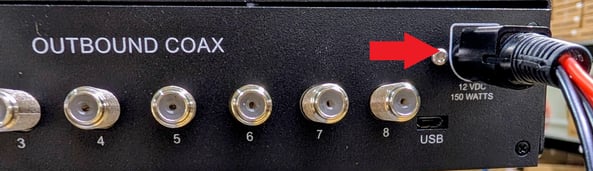
If so, is the Green Power LED (P) on the front panel of the unit displayed as a steady light or is it flashing? If the LED is flashing, that is a sign that the power supply is malfunctioning.
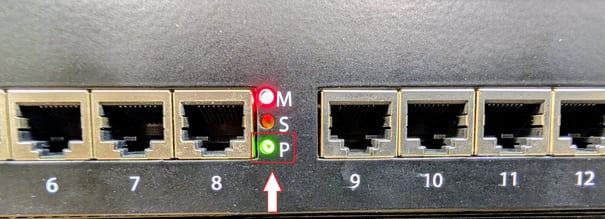
Are the ZHC fans running? If they are not, the ZHC is overheating. Unplug the ZHC and contact Z-Band Tech support.
Verifying input levels going into the Unit:
Let's check to verify that there is an input signal going into the ZHC.
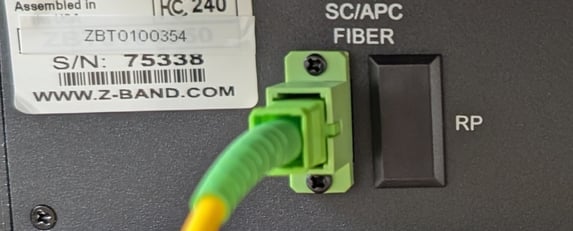
On a fiber ZHC, is there a fiber connector inserted in the fiber input?
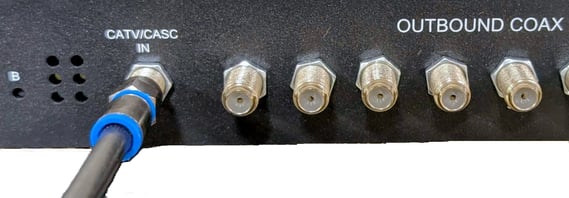
On a coaxial ZHC, is there a coaxial connector connected to the CATV/CASC IN input?
In order to verify whether there is an input signal to the ZHC, the following equipment must be on hand;
-
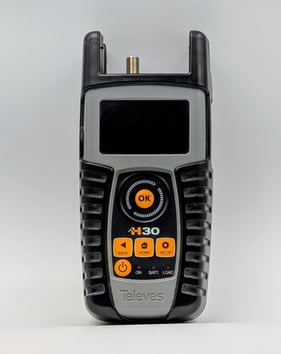
RF meter such as a Televes H30 or H30+ if checking coaxial cable.
- Fiber meter such as a JW3208 if checking fiber cable.
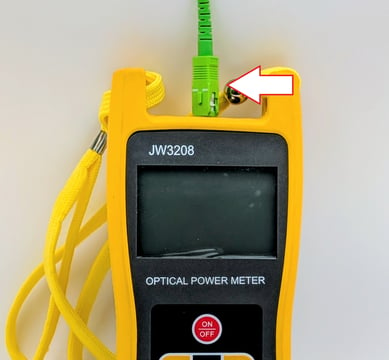
For coaxial readings the level must be a flat 20dBmv for digital signals and 25dBmv for analog signals
For fiber readings the level should be -2.0dBm with an acceptable range from -2.0dBM to -3.5dBm
If the before mentioned items are connected then we need to move on to other troubleshooting steps.
Verifying the Front Panel port RF levels:
Next we will check the RF levels on the front ports of the ZHC
In order to verify whether there is an RF signal output on the front ports of the ZHC, the following equipment must be on hand;
-
RF Meter such as a Televes 30
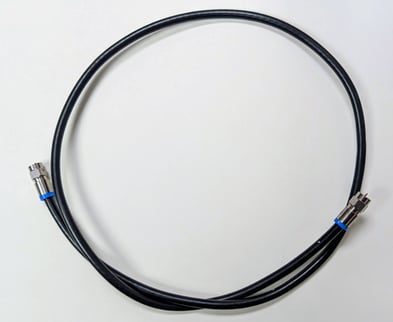
- A 12" or longer RG-6 cable with "F" connectors
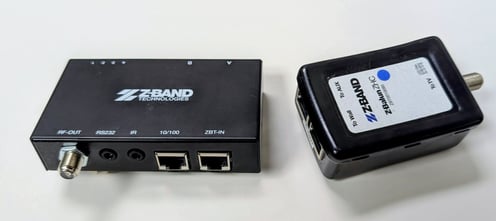
- A Z-Band Balun
- A category jumper cable
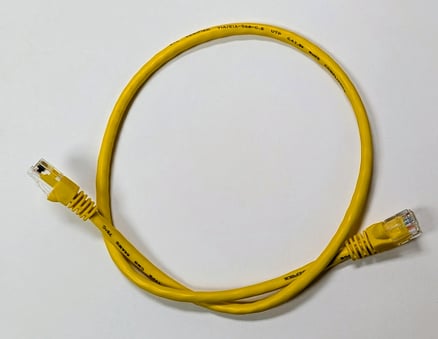
Connect the category cable to the ZBT-IN port or To Wall port on the Z-Band Balun. Connect the other end of the category cable to the front port of the ZHC in question.
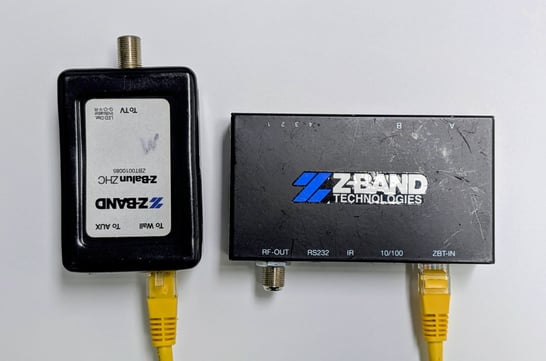
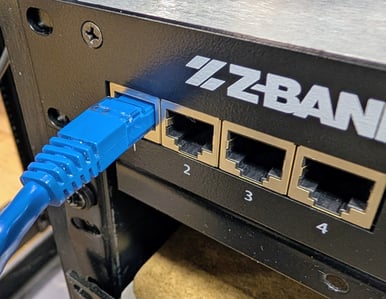
Connect the RG-6 cable to the RF meter.
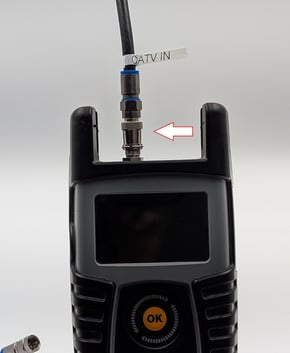
Connect the other end of the RG-6 cable to the RF-OUT connector or To TV connector on the Z-Band balun.
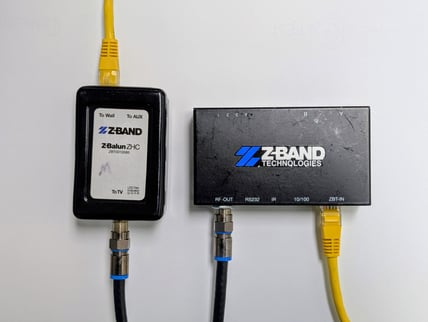
With the Balun connected, check the readings on the RF meter. It should read between 0dBmV to 20dBmV and the MER should be in the range of 40dBm or over.
If the readings are below the above listed range or it does not register any RF output, connect the category cable to another port on the ZHC. If the next port has the correct RF output, it is probable that a non Z-Band device was plugged into the port and damage occurred.